 MiaoDocs 秒作
MiaoDocs 秒作
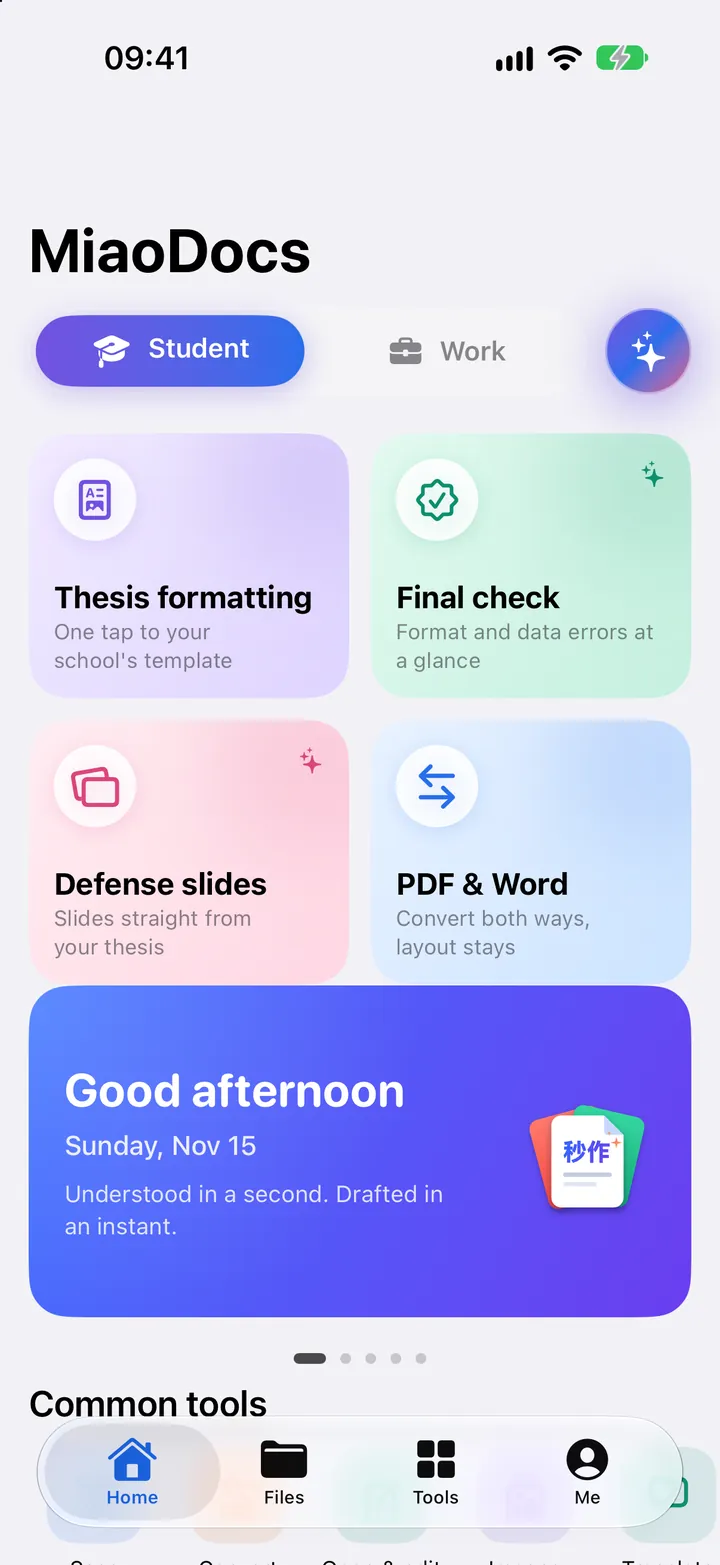
Understood in a second. Drafted in an instant.
View, edit, scan, convert and translate documents. AI helps you create slides and check your thesis. Your documents stay on your phone.
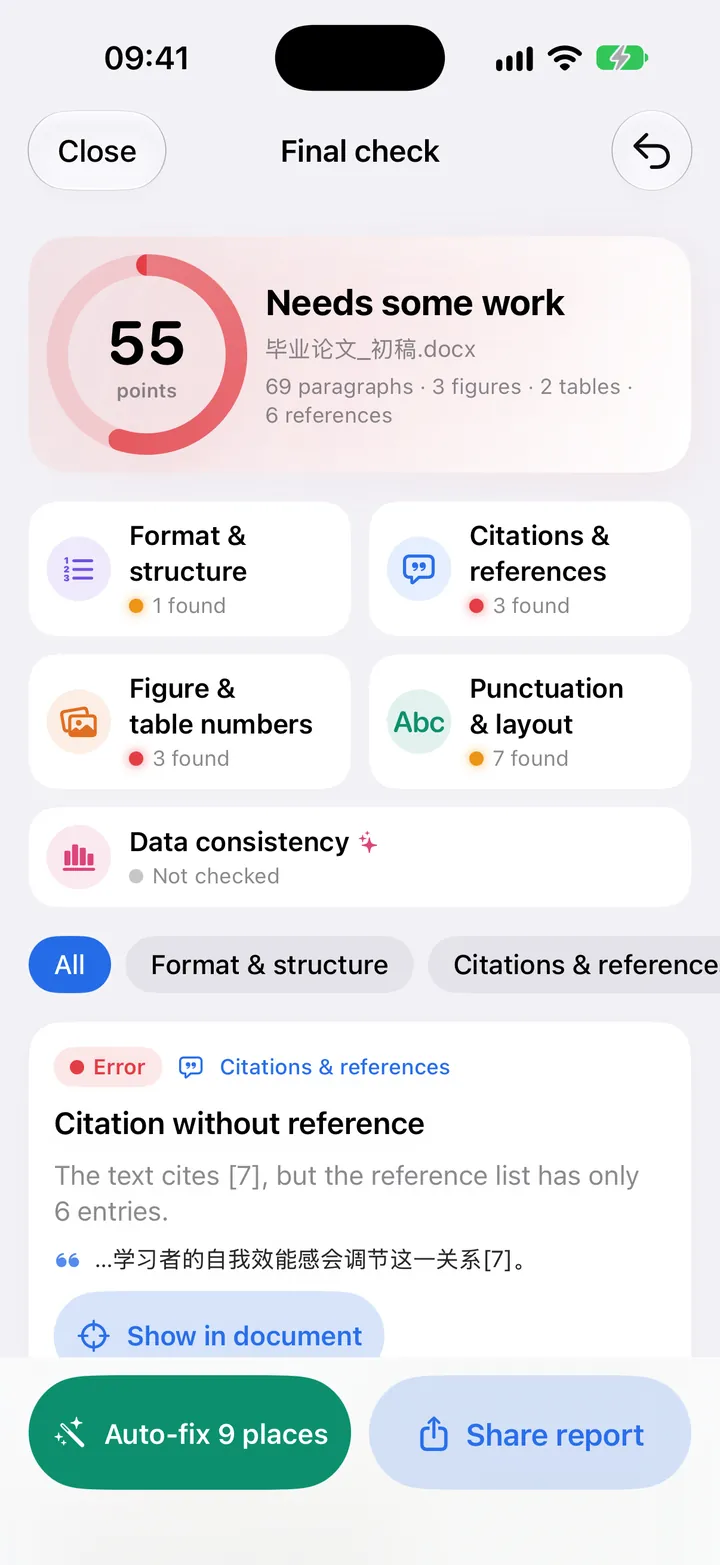
01Students · Final check
One more look before you hand in
Checks heading and figure numbers, citations and references, and numbers that don't match between text and tables. Every finding is listed, and simple ones are fixed in one tap.
02Word
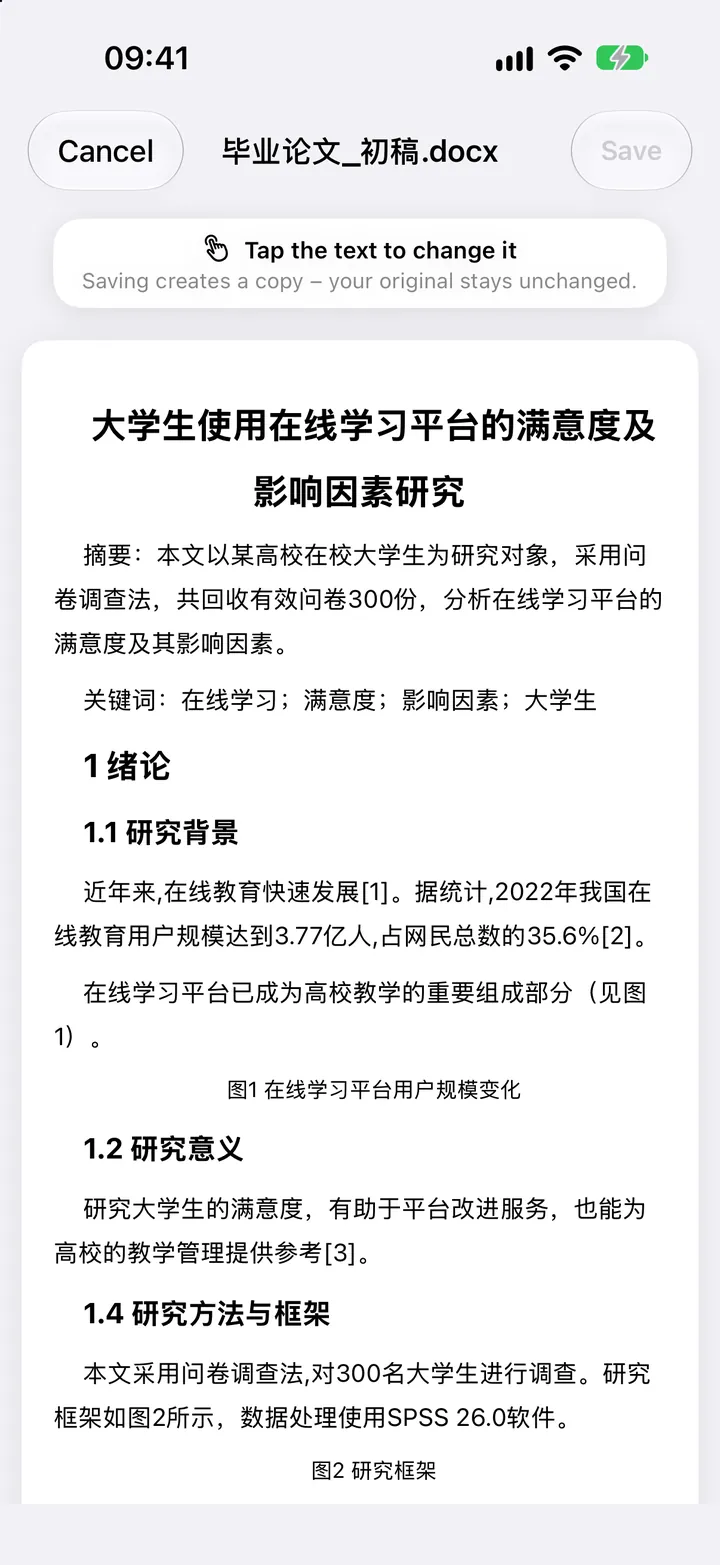
Edit Word right on your phone
Change text, fonts, paragraphs and tables. The layout stays. Saving creates a copy, so your original stays unchanged.
03Excel
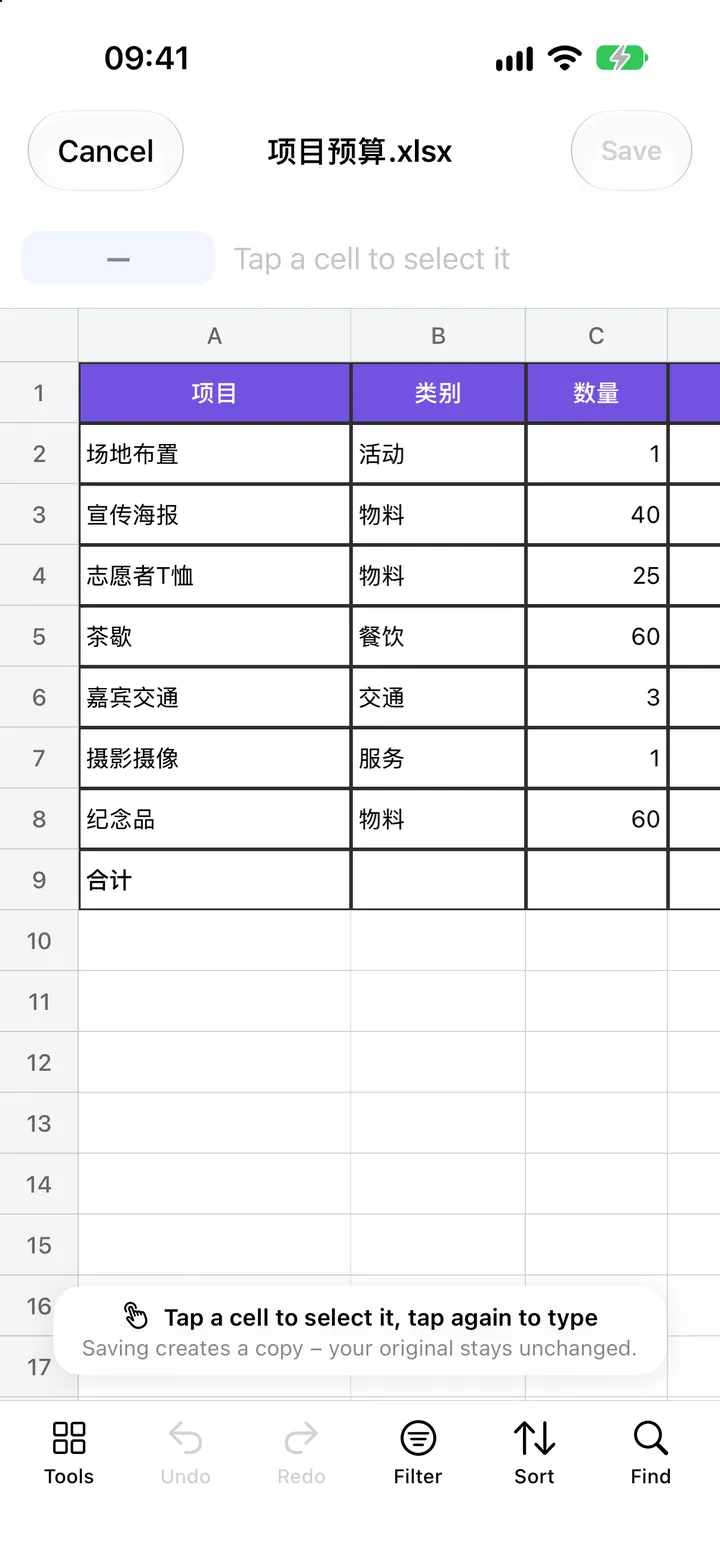
Tables you can change right away
Tap a cell and type. Formulas recalculate, and you can filter, sort and find.
04Work · AI
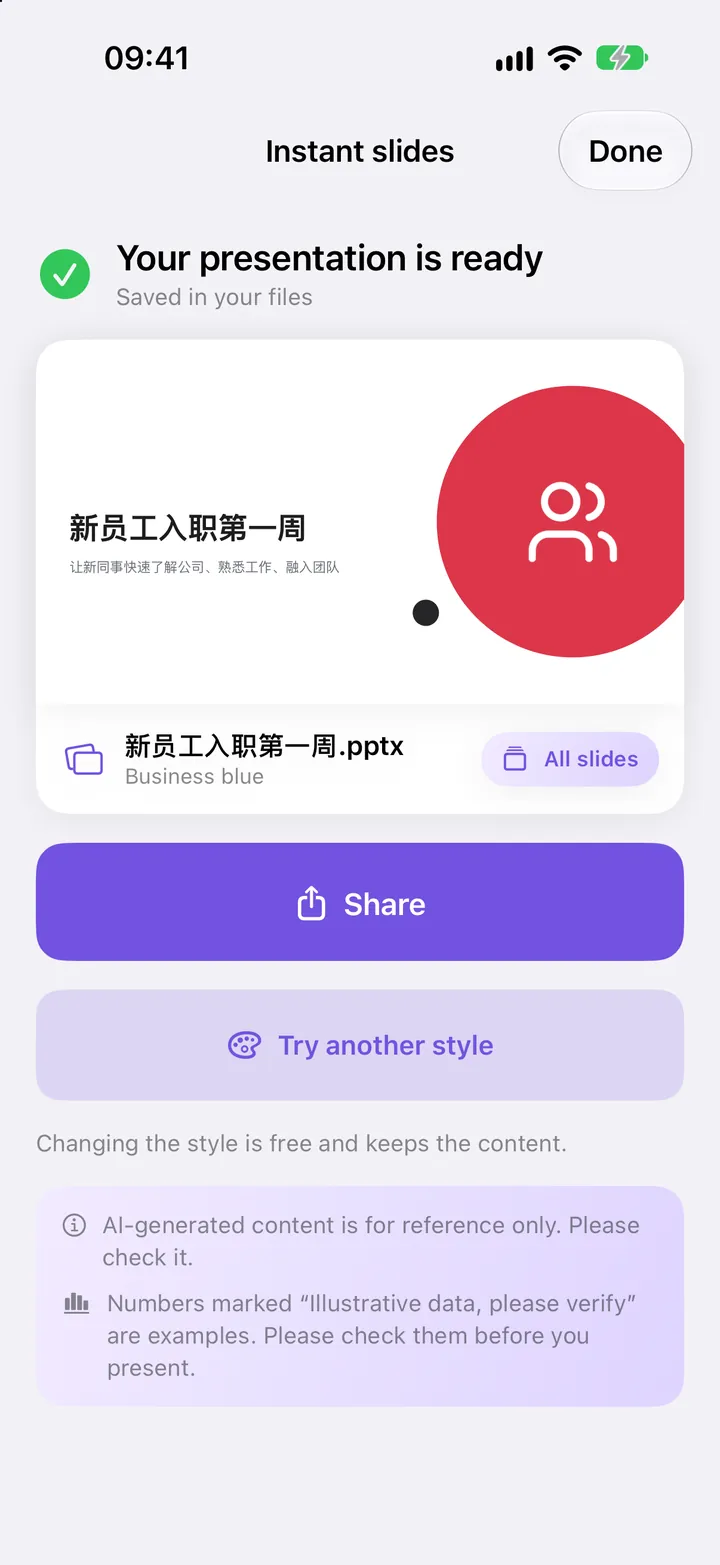
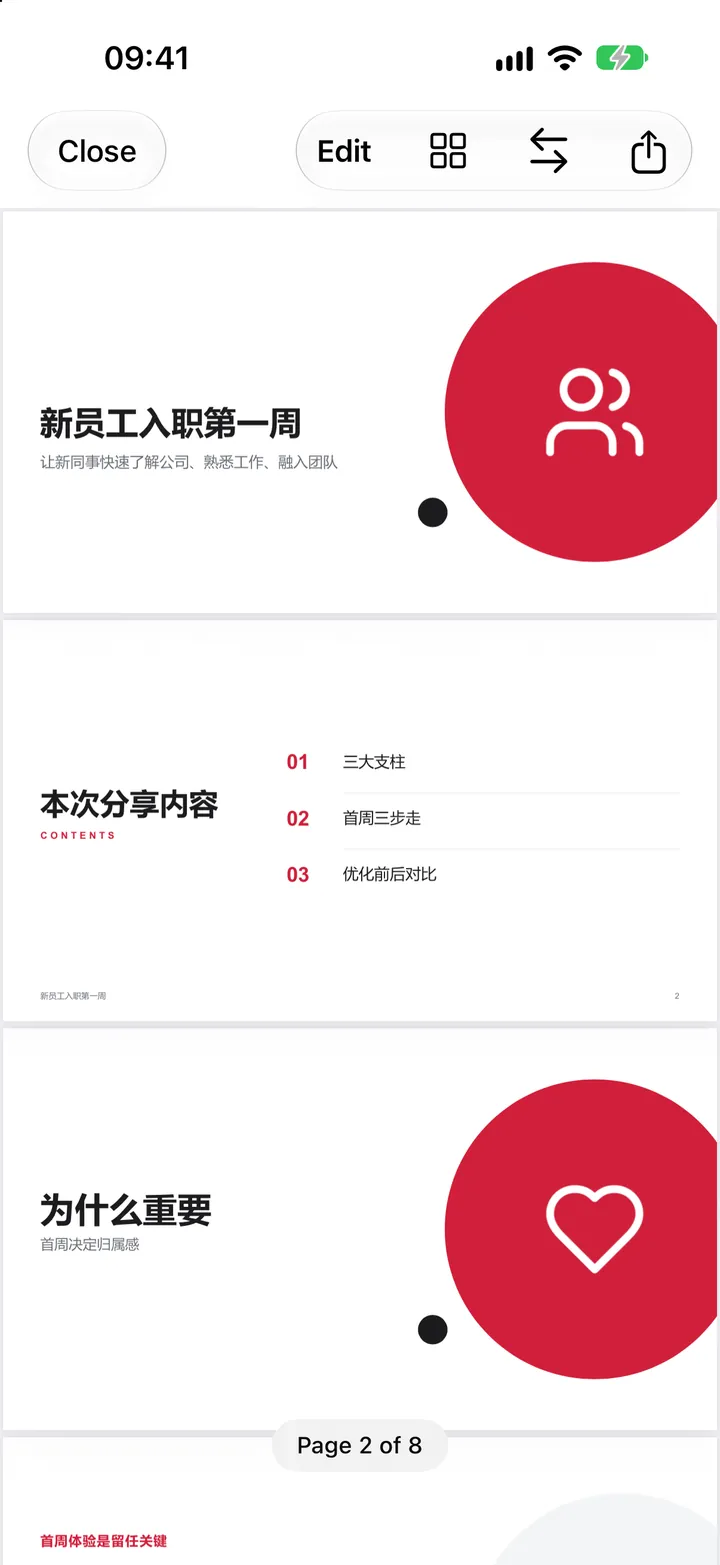
Slides from one sentence
Type a topic, choose pages, design and logo, and get a finished presentation. Switch the design and the content stays. A thesis can become defense slides too.
05PDF
Open what you receive
PDF, Word, Excel, PPT, images and text. Annotate and sign PDFs, add text and reorder pages.
And there is more
Everyday document work in one app.
Scan to PDF
Scan paper into PDF with the camera, with text recognition.
Convert
Between PDF, Word, Excel and images. Merge, split, add a watermark or set a password.
Translate offline
Translate whole documents offline, side by side if you like. Online Pro translation for formal papers.
Thesis formatting and polish
Headings, body text, table of contents and page numbers in a common format. Polish paragraph by paragraph. You decide what to accept.
References
Formatted to GB/T 7714, with hints on what is missing.
Text to diagram
Turn a paragraph into a flow chart, comparison or mind map.
Your documents stay on your phone
Opening, editing, scanning and converting all happen on the device. Document content is not uploaded to us.
No account
Nothing to sign up for. Download and start.
No ads
No third-party advertising, and we do not sell your information.
No cloud storage
Your documents are kept on your iPhone, and you manage them yourself.
About the AI functions
- The AI functions use the Qwen models of Alibaba Cloud.
- The app asks for your consent before first use. The text you choose is sent encrypted to our server in mainland China and is not stored after processing.
- AI content is for reference only. Please check it. Generated files carry an “AI-generated” label.
- MiaoDocs is a tool that helps with writing and layout. It does not write work for you.
Membership
The basic functions are free. A membership (Bronze, Silver or Gold, monthly or yearly) unlocks more uses and advanced functions.
You pay through your Apple ID and can cancel at any time in iPhone Settings.
Who makes MiaoDocs
MiaoDocs is developed and operated by Demuxi Trading (Guangzhou) Co., Ltd.
- Company name
- Demuxi Trading (Guangzhou) Co., Ltd.
- Chinese name
- 德沐希贸易(广州)有限公司
- Founded
- 2020, Guangzhou
- Unified Social Credit Code
- 91440101MA9UW64D3L
- Registered address
- Room 302, No. 118-1 Tiankun San Road, Tianhe District, Guangzhou, China
Contact us
A problem or a suggestion? Send us an email.
Common questions are answered on the support page.